
Wayback Machine is an online archive of your online data. Here you find all the versions of your web page, website, even if you have changed it multiple times. Wayback Machine helps researchers, scholars, courts, and website owners to discover their website’s content and structure over time. The feature is undoubtedly the best way to find out how your website looked when you started, what changes you made to make it work, and so on. Instead of great features, if you find Wayback Machine slow loading, server downtime, and missing snapshots, you would be looking for Wayback Machine alternatives. We provide some interesting Wayback Machine alternatives in this guide.
TL;DR
- Wayback Machine is the largest data archive center, having archived more than 1 trillion pages.
- Various alternatives are floating in the market. A few of them include Stillio, Pagefreezer, Perma.cc, Archive.today, etc.
- Users should select alternatives considering their requirements and goals. Whether a marketer, scholar, researcher, or business analyst, each one has different alternatives based on that.
- You have a specific timeline to select the date and time for the snapshot. Moreover, images, HTML codes, text, and other kinds of data can be retrieved.
What Is The Wayback Machine?
Run by the Internet Archive, Wayback Machine is a non-profit initiative to keep a record of your data from the World Wide Web. It’s one of the largest data archive spaces where you get almost every page once created, modified, or deleted over the internet. You can find out everything needed from your previous data achieved safely here. Visit the platform, select the timeline, and find out.
How To Use Wayback Machine?
To utilize the Wayback Machine, you just have to go through a simple process. We have given the process that anyone can follow to use the Wayback Machine and get their archived web pages.
- Visit Wayback Machine’s official portal
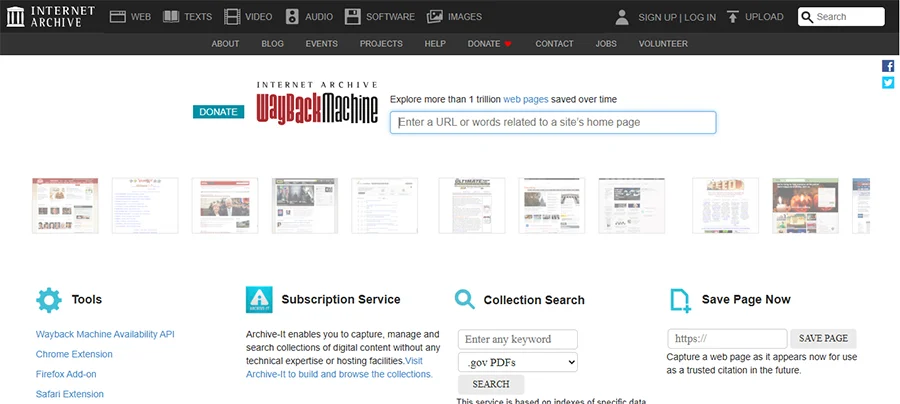
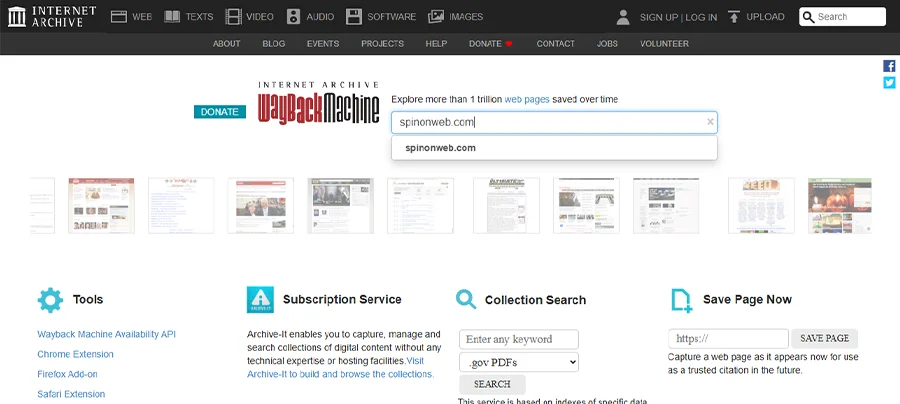
- Enter your web page URL in the search bar of the Wayback Machine.
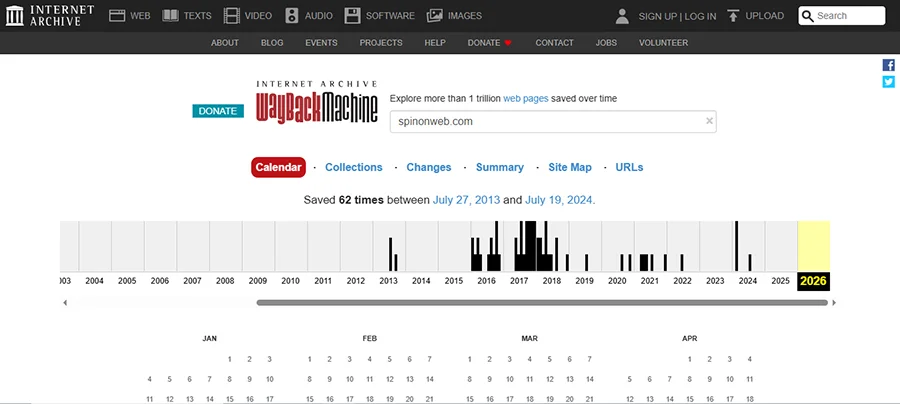
- You will get various options: Calendar, Collections, Changes, Summary, Site Map and URLs.
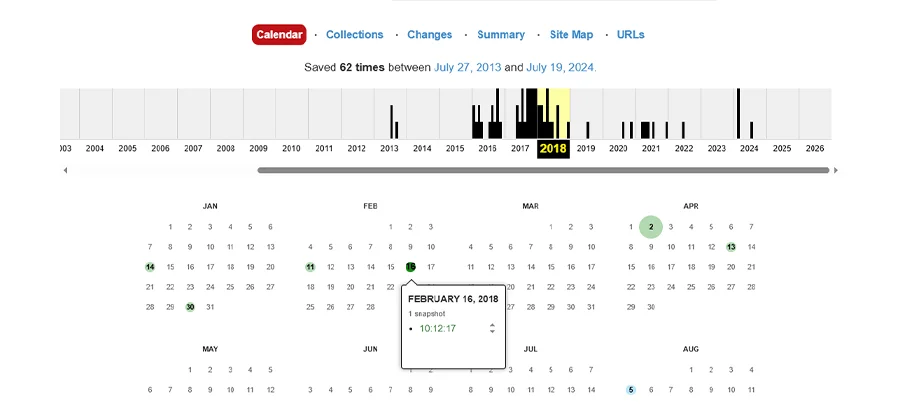
- Select the timeline: year, month, and date, and you will get the archived list of your website since it’s created. For example, from February 16, 2018 in our case.
Benefits of Wayback Machine in 2026?
The benefits of the Wayback Machine are many. It’s used for discovering previous web pages by SEO professionals, researchers, business intelligence, and more. The primary purpose is to find the previous data from your old pages.
The benefits are well-described here:
- Largest archive with 1 trillion + pages: This is a place where you get almost all the previous data of the website on the internet. Everything is stored here with a timeline and a snapshot.
- Trusted data protector: It is by far the best at keeping your data as it is. It’s the platform you can trust for keeping things real and storing them the way they were deleted.
- Prevent information loss: The Wayback Machine acts quickly to restore as soon as the page, content, image or other kinds of data is deleted from your website. Basically, the data is archived and can be accessed easily
- Reveals historical URLs: you can get the previous URL structures, content changes, and competitor analysis using the Wayback Machine. You can access data much before as you started posting on your website.
Why Do You Need a Wayback Machine Alternative?
The need for Wayback Machine’s alternative is identical. The given points will make it clear to you:
- Speed and accuracy: Wayback has trillions of pages’ data, which makes it a slower portal than others in the competition. It’s also less accurate in the same manner.
- Not full coverage: Wayback does not capture or hold all the dynamics of a web page. It fails to capture personalized and interactive content. So, that’s where the need for an alternative option arises.
- Struggle with Mobile View: Wayback struggles with mobile view. It does not fully open JavaScript-heavy websites.
10+ Best Wayback Machine Alternatives (With Features & Comparison)
We have mentioned a curated list of alternative tools to the Wayback Machine. The list contains free, paid, and free & paid tools labelled the same.
(FREE) 1. Archive.today:
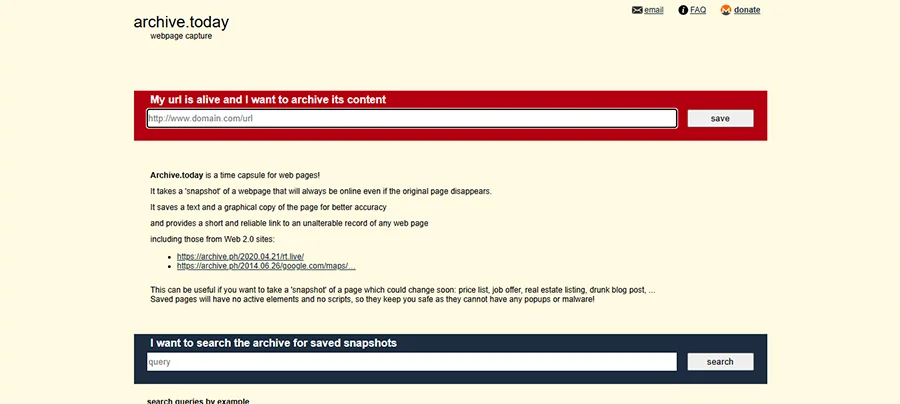
Starting with Archive.today. It’s a free tool for instant, precise snapshots. By opting for this tool, you get text, images, and code applied to your pages previously. Also, it’s malware-protected well.
Who can use: Journalists and researchers can use this tool to fulfil their tasks.
(Free + Paid) 2. Smarsh:

One of the alternatives to Wayback Machine is Smarsh. It’s primarily for government agencies, financial firms, and regulated industries. Integrated with AI, it detects risks and keeps the data under chain of custody. It records dynamic elements, videos, and third-party links.
Who can use: Financial firms, government agencies, and regulated industries
(Free + Paid) 3. Perma.cc:
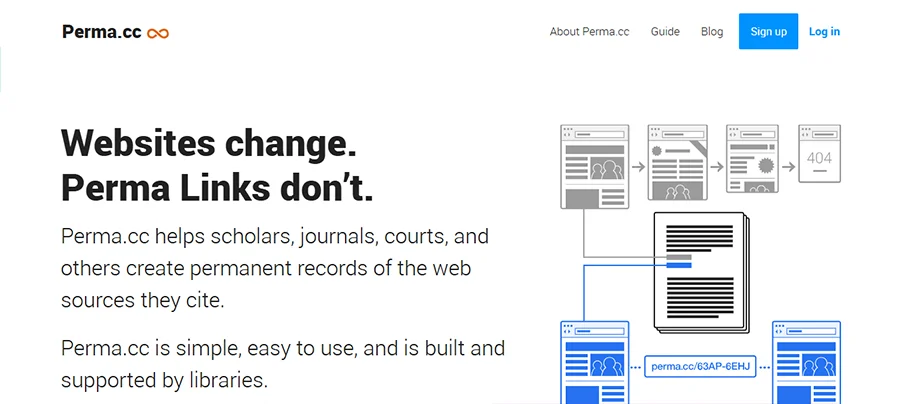
It’s a limited-time free tool for finding archive content. That’s usually an ideal choice for users who want libraries, citations, and permanent links for the web pages.
Who can use: Researchers, legal professionals, and libraries can use this platform for ideal recovery of their precious documents.
(Free + Paid) 4. Stillio:
One of the automated web archiving tools, helpful for capturing full-screen web pages at regular intervals. It offers a 14-day free trial as well.
Who can use: Most professionals and organizations use this tool. However, others can also access and take advantage of it.
(Paid) 5. Pagefreezer:
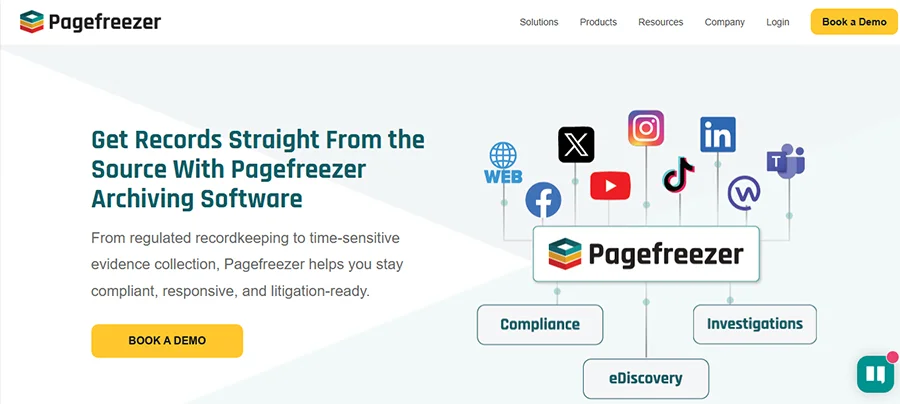
It’s a cloud-based digital archiving tool that is used to capture interactive websites and social media content. It’s a feature-rich option, for example, repayable snapshots, version comparisons, full-text search, and exports in PDF; all of these are available.
Who can use: Enterprises, business professionals, law enforcement firms, audit defense, etc.
(FREE) 6. Memento Time Travel:
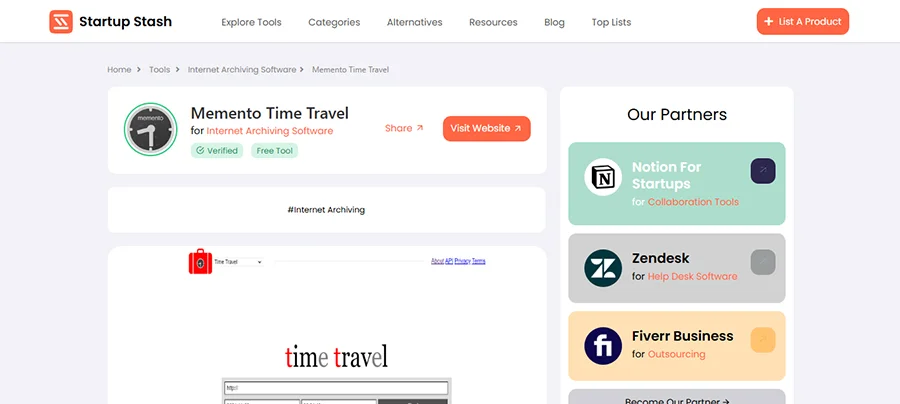
It’s a free Chrome extension tool, aggregates multiple archives (including Wayback) for comprehensive historical views. Particularly used for citations from original URLs.
Who can use: Fact-checkers, researchers, journalists, and developers.
(Paid) 7. Urlbox:
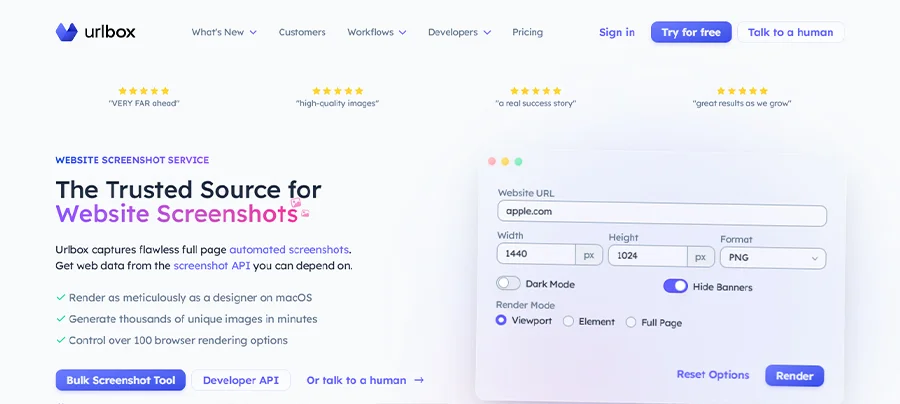
This tool is focused on screenshotting the archived files, which can be saved in PDF, PNG, JPEG, and HTML Code. The data it holds can be used with all programming languages. You can screenshot a page 60 times in a minute on Urlbox. It often comes with a price tag of $19 per month, claiming to take around 2,000 screenshots of your archived pages.
Who can use: Business Owners, marketers, and developers.
(FREE) 8. ArchiveBox:
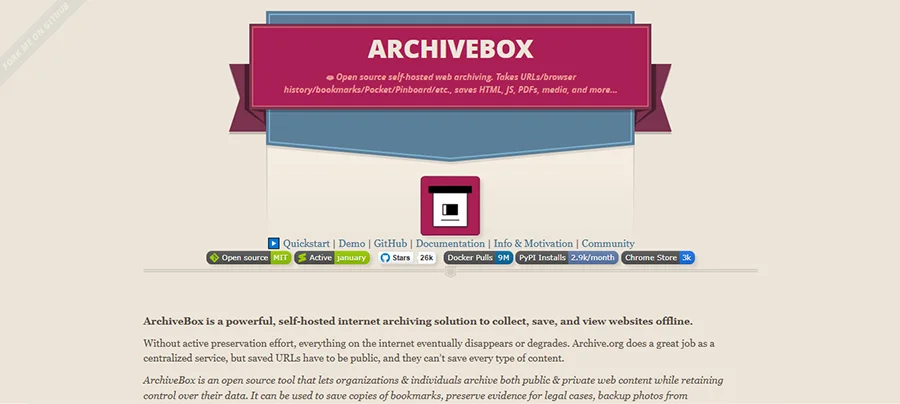
It’s a self-hosted web archiving tool. It provides content in multiple formats, such as HTML, PDFs, screenshots, WARC files, and so on.
Who can use: developers, researchers, and “digital hoarders can use this platform to get control of their data and history.
(Paid) 9. MirrorWeb:
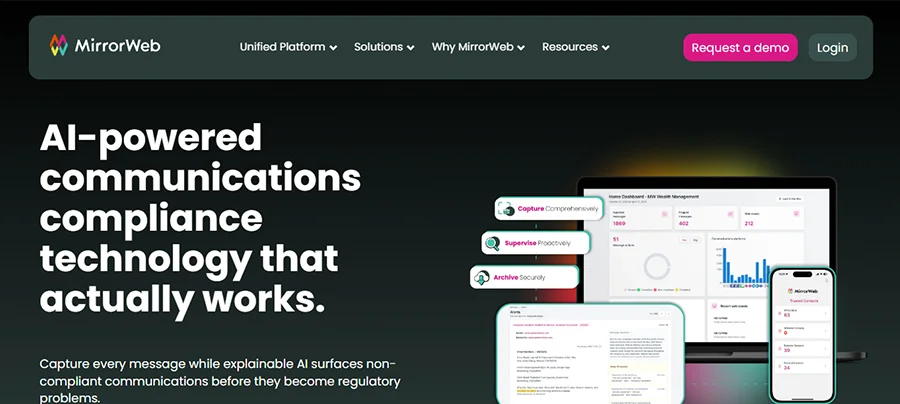
MirrorWeb helps you retrieve JavaScript apps, personalised pages, and SPAs.
Who can use: Financial firms, governments, brands, and legal teams in regulated industries
(Free + Paid) 10. ChangeTower:
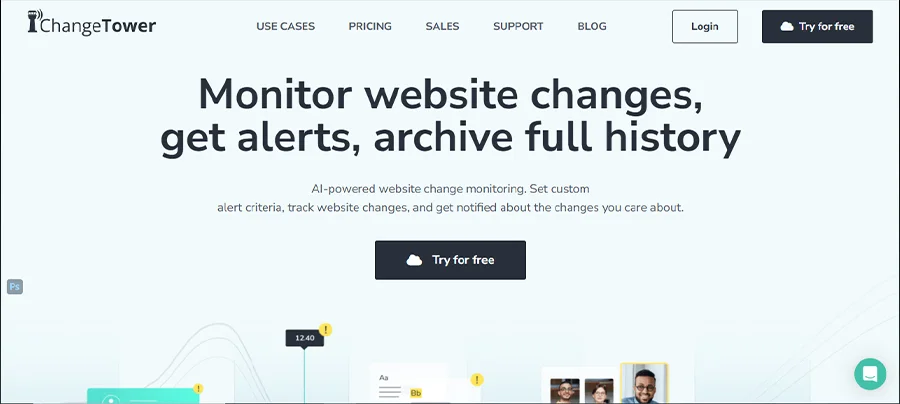
Detects web pages with HTML code, keywords, text, image changes, and more. It notifies individuals via email about the criteria, such as keyword presence, downtime, etc.
Who can use: Anyone who is a Marketer, SEO specialist, IT/security team, and e-commerce pro can use this tool for effective results.
(FREE) 11. The Library of Congress Web Archives:
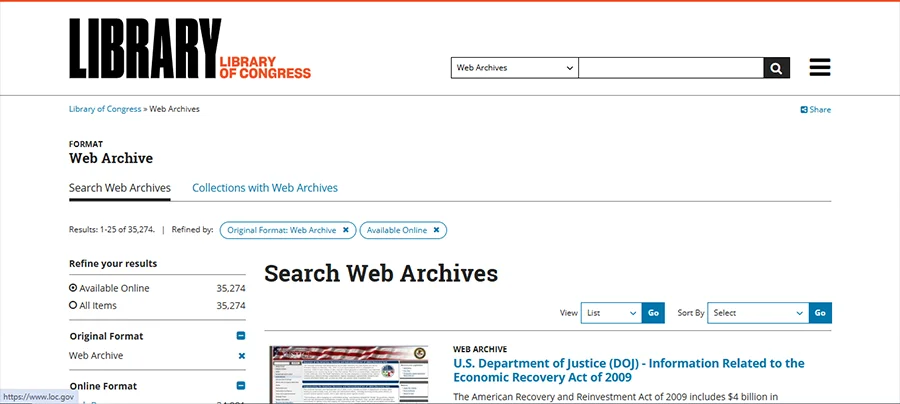
One of the best platforms that lets you access websites that are historical and cultural heritage in the USA. This website safeguards public policy and historical records in particular. This can be accessed by those interested in historical studies and cultural events, particularly based in the USA.
Who can use: Although free for all, researchers, historians, and people with more and more kinds of interests can access it for cultural glimpses.
How To Choose The Right Alternative For Your Need
Selecting the right alternative for Wayback Machine may be a tough call for you. But, to make it easier, go through a series of steps: decide your goal (what you want to achieve), gather information, compare options, consider the option, and seek advice.
- Goal deciding: What is your goal behind selecting the alternatives to the Wayback Machine? Do you want to use the information for an academic purpose? Are you a marketer looking for the details differently? Or, you just want a snap of your previous data. Clear your reason behind choosing.
- Select the right option: Once the goal is clear, you need to choose one of the options now. Select the option based on your requirements. For example:
- If SEO and monitoring are your goals, choose Stillio, ChangeTower, and Visualping.
- If you need it for academic and citation work: Perma.cc, WebCite
- If you need it for enterprise archives: Pagefreezer, Smarsh, MirrorWeb
Compare the options: check which one suits your needs and thus be included:
| Tool | Primary use | Capture type | Typical users |
| Stillio | Automated visual archiving | Scheduled screenshots of full pages, not full HTML/JS | Marketers, SEO, brand monitoring |
| ChangeTower | Change monitoring + light archiving | Visual, text, HTML change snapshots with alerts | Marketers, product teams, content owners |
| Visualping | Page change alerts | Visual snapshots with AI‑based change detection and summaries | Individuals, SMBs, competitive intel |
| Perma.cc | Permanent scholarly/legal citations | WACZ + screenshot, single‑page archival | Courts, journals, universities, researchers |
| WebCite | Legacy citation archiving | Historical snapshots (read‑only now) | Older academic literature |
| Pagefreezer | Compliance‑grade web archiving | Automated full‑site capture with replay, hashes, exports | Government, finance, large orgs |
| Smarsh (Web Archive) | Regulatory web compliance | Full pages, metadata, linked assets, search & export | Financial services, regulated sectors |
| MirrorWeb | Website & social media archiving | Full content + social feeds with compliant timestamps | Public sector, financial, highly regulated orgs |
Conclusion
Alternatives to the Wayback Machine are many. And if you’re searching for alternatives, that is because you need a better option to archive and to retrieve your online data. Fret not! We have provided a list of true alternatives to the Wayback Machine in this post. Go through the guide to discover them, and use them considering the goal you may have.
Frequently Asked Questions
Is there a better site than Wayback Machine?
There are many alternative options to the Wayback Machine. The better or not, it depends on the individual’s requirement.
How to find old web pages that no longer exist?
You will find the old deleted pages of your website in Wayback Machine or its alternatives, such as Stillio, Conifer, Pagefreezer, etc.
What website captures old websites?
Archive.ph, Perma.cc, and Oldweb.today are some websites that capture old websites.
Is there a way to access deleted websites?
Yes, you can access it again by visiting the Wayback Machine or any other alternative to it to retrieve the data easily.
Is web archiving legal?
Absolutely! Web archiving is used for legal, academic, business, and other needs.